
Keeping your property secure requires a reliable surveillance system. Many homeowners and businesses in Singapore wonder about their camera’s recording status. This guide provides clear answers.
Modern security systems use both physical and digital indicators. These signs help verify that your equipment is actively capturing footage. Understanding these signals brings peace of mind.
Security cameras typically operate in different modes. Continuous recording captures all activity. Motion-activated recording saves storage space by only recording when movement is detected.
This knowledge ensures your surveillance system works effectively. Proper monitoring protects your home or business. Regular checks maintain system reliability over time.
Key Takeaways
- Look for physical indicators like LED lights on your security camera
- Check your monitoring software or mobile app for recording status
- Understand the difference between continuous and motion-activated recording
- Listen for operational sounds that indicate active recording
- Verify system power and connection stability regularly
- Review recent footage to confirm proper recording function
- Maintain your CCTV system for consistent security performance
Understanding How Your CCTV System Operates
The foundation of reliable property protection lies in comprehending your surveillance equipment’s operation. Modern security systems integrate multiple components that work together seamlessly. This knowledge helps you verify recording status and maintain optimal performance.
Core Components of a CCTV Setup
Every surveillance system contains three essential elements. Cameras capture visual information from monitored areas. These devices come in various types for different security needs.
Recorders store the captured video footage for later review. They manage data storage and retrieval efficiently. Monitoring software provides the interface for accessing live feeds and recorded content.
These components communicate through wired or wireless connections. Proper integration ensures smooth operation of your security setup. Understanding this architecture helps identify potential issues.
Continuous vs. Motion-Activated Recording Modes
Security cameras typically operate in two primary recording modes. Continuous recording captures all activity without interruption. This method provides comprehensive coverage but consumes more storage space.
Motion-activated recording conserves resources by only capturing movement. Advanced detection algorithms trigger recording when activity occurs. This approach significantly reduces unnecessary footage storage.
Businesses often prefer continuous recording for high-security areas. Parking lots and entry points benefit from constant monitoring. Residential properties frequently use motion detection to save energy and storage.
Choosing the appropriate mode depends on your specific security requirements. Storage capacity and monitoring needs influence this decision. Proper configuration ensures efficient system operation.
Understanding these operational modes enhances your ability to interpret recording indicators. This knowledge prepares you for identifying active surveillance status through physical and software cues discussed in subsequent sections. For more detailed guidance on verifying your CCTV recording status, consult our comprehensive resources.
Key Physical Indicators Your CCTV is Recording
Physical indicators provide immediate confirmation of your security system’s active status. These visible and audible signals offer quick verification without technical tools. Understanding these signs helps maintain confidence in your surveillance coverage.
Interpreting LED Light Signals
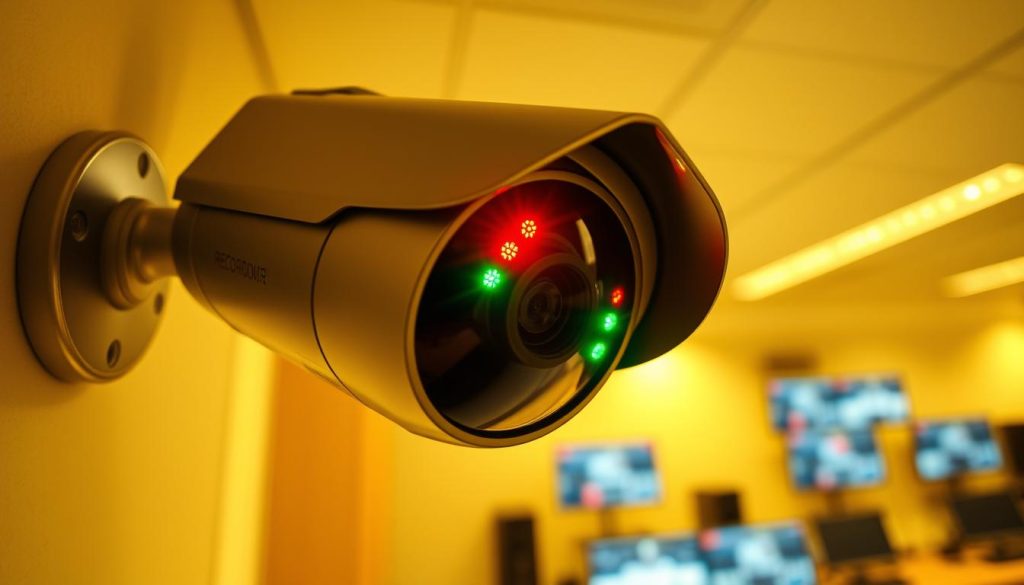
Security cameras use light patterns to communicate their operational status. A steady red light typically indicates active recording. This visual cue appears on many modern surveillance devices.
Infrared lights activate automatically in low-light conditions. These appear as red lights during night vision operation. The transition from daylight to night mode demonstrates proper functionality.
Testing your camera’s light response confirms its working condition. Blocking ambient light triggers infrared activation. This simple check verifies night vision capabilities.
Solid lights generally indicate reliable operation. Blinking patterns may suggest different modes or issues. Consistent illumination typically confirms recording activity.
Observing Camera Movement and Sound
Pan-tilt-zoom models display physical movement during operation. Rotation or adjustment indicates active monitoring. These movements respond to detected activity or preset patterns.
Auditory cues provide additional confirmation. A soft buzzing sound often accompanies mechanical movement. This sound indicates internal mechanisms are functioning properly.
Movement detection relates directly to recording activation. Cameras often orient toward motion sources. This physical response confirms the system’s alert status.
Regular observation during different times ensures continuous coverage. Daylight checks confirm basic operation. Night inspections verify low-light performance.
These physical indicators serve as your first verification method. They provide immediate feedback about your security system’s status. Combined with technical checks, they ensure comprehensive surveillance coverage.
Using Software and Apps to Verify Recording Status
Mobile applications transform how property owners confirm their security system’s active status. Digital verification methods provide comprehensive insight beyond physical indicators. These tools offer real-time confirmation of recording activity from any location.
Modern surveillance technology integrates sophisticated software solutions. These platforms deliver immediate access to camera feeds and recording confirmation. Property managers in Singapore benefit from remote monitoring capabilities.
Accessing the Live Feed via Monitoring Software
Monitoring software provides direct access to your security camera feeds. Most systems feature user-friendly dashboards with clear status indicators. These interfaces display recording activity in real-time.
Log into your surveillance system’s software interface. Look for recording status indicators typically shown as red dots or icons. Motion detection alerts appear as notifications within the software.
Review recording schedules and storage capacity through the settings menu. This confirms your system operates according to preset parameters. Regular software updates maintain optimal performance and prevent glitches.
Remote Monitoring Through Mobile Applications
Mobile applications extend monitoring capabilities beyond fixed locations. Popular security brands offer dedicated apps for iOS and Android devices. These applications provide full access to camera feeds and settings.
Download your camera system’s official application from app stores. Configure push notifications for motion detection events and system alerts. This ensures immediate awareness of recording activity.
Mobile apps typically feature:
- Live streaming from all connected cameras
- Recording status indicators for each device
- Motion alert notifications with timestamp details
- Remote configuration of recording settings
- Storage management and footage review options
These digital verification methods complement physical inspection techniques. Software and app-based monitoring provide comprehensive system status confirmation. Regular use ensures continuous security coverage for your property.
Conducting a Thorough Physical Inspection
Regular physical inspections form the backbone of reliable surveillance system maintenance. These hands-on checks complement digital monitoring methods. They help identify potential issues before they affect your security coverage.
Property owners should perform these inspections monthly. This routine ensures optimal camera performance. It also extends the lifespan of your security equipment.
Checking Power Supply and Cable Connections
Begin your inspection with the power source. Verify all connections remain secure and undamaged. Loose connections can interrupt your camera’s recording function.
Examine power adapters for any signs of wear. Look for frayed wires or cracked housing. These issues can lead to unexpected power failures.
Test voltage output using a multimeter if possible. This confirms your security device receives adequate power. Proper voltage ensures consistent operation.
Inspect all cables for damage or wear. Outdoor installations face weather-related stress. Replace any compromised cables immediately.
Check cable connectors for corrosion or looseness. Secure connections prevent signal loss. They maintain uninterrupted power flow to your camera.
Inspecting the Camera’s Lens and Housing
Move to the camera unit itself. Clean the lens gently with a microfiber cloth. Remove dust, spider webs, or water spots.
Use lens cleaning solution for stubborn dirt. Avoid abrasive materials that could scratch the surface. A clean lens ensures clear footage quality.
Check the housing for cracks or damage. Weatherproof seals should remain intact. Compromised housing exposes internal components to moisture.
Look for condensation inside the lens cover. This fogging effect reduces video clarity. Address moisture issues promptly to maintain security coverage.
Ensure the mounting bracket remains tight. Loose mounts can alter the camera’s field of view. Proper alignment maintains intended surveillance coverage.
These physical checks support your system’s reliability. They work alongside digital indicators for comprehensive security management. Regular maintenance prevents most common hardware issues.
Leveraging Electronic Tools for Detection
Electronic bug detectors represent the cutting edge in surveillance verification technology. These specialized devices provide technical confirmation beyond basic visual checks. They detect radio frequency signals emitted by active recording equipment.
This approach offers scientific validation of camera operation. It’s particularly valuable for comprehensive security assessments. Property owners gain additional assurance through electronic verification.
How Electronic Bug Detectors Work
Detection devices scan for specific radio frequencies. Active surveillance systems emit balanced signals during operation. These transmissions indicate recording or live streaming activity.
Modern detectors feature adjustable sensitivity settings. Users can fine-tune detection ranges for different environments. Higher sensitivity catches weaker signals from hidden devices.
Advanced models differentiate between various transmission types. They identify common surveillance frequencies while ignoring unrelated signals. This precision reduces false positives during security sweeps.
Most detectors provide visual and auditory alerts. LED indicators show signal strength detected. Audio signals increase in frequency with stronger transmissions.
These devices work through walls and ceilings. They detect cameras regardless of physical concealment. This capability makes them essential for thorough privacy checks.
Identifying Signal Transmission from Active Cameras
Begin sweeps in areas where hidden cameras might be placed. Common locations include smoke detectors and electrical outlets. Move the detector slowly while monitoring for signal alerts.
Pay attention to signal strength variations. Stronger indications suggest closer proximity to the source. Weaker signals may indicate cameras in adjacent rooms.
Interpret results based on your environment’s normal electronic activity. Office spaces naturally have more background signals than residential areas. Understanding baseline activity helps identify anomalous transmissions.
Regular sweeps maintain privacy protection in sensitive spaces. Singapore’s emphasis on personal security makes these checks particularly valuable. They ensure no unauthorized surveillance compromises your privacy.
Electronic detection adds a layer of technical verification to your security routine. Combined with physical and software checks, it provides comprehensive surveillance confirmation. This multi-layered approach delivers maximum protection assurance.
Reviewing Recorded Footage and System Settings
Checking your stored video provides the most reliable confirmation of active surveillance. This method offers concrete evidence beyond indicator lights or software status displays. Regular reviews ensure your security setup functions as intended.
Accessing and Watching Stored Video Clips
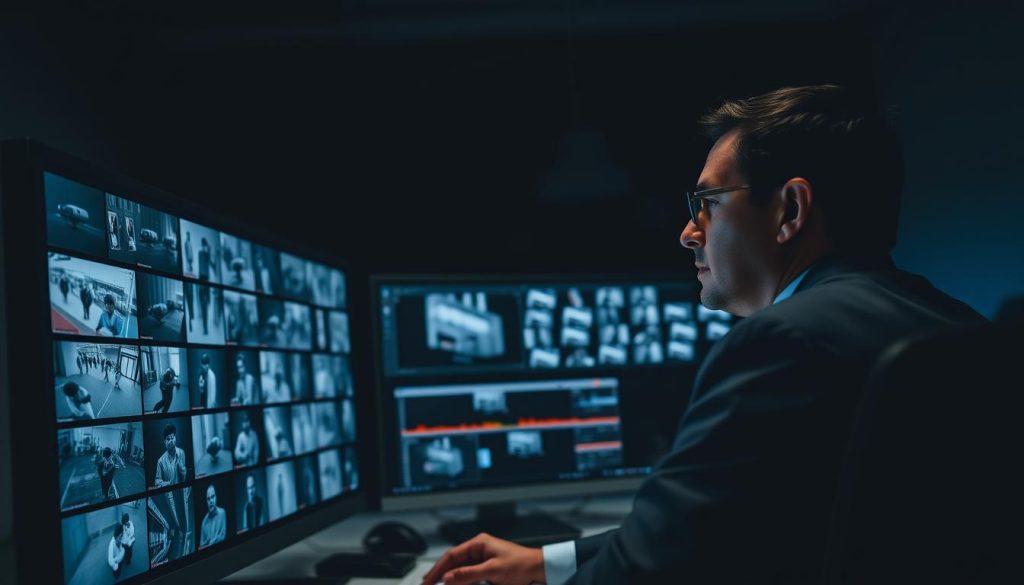
Modern security systems offer multiple access methods for recorded content. Local storage devices like DVRs and NVRs store footage directly on-site. Cloud-based services provide remote access through secure online platforms.
Navigate your monitoring software to locate the playback section. Most interfaces feature a calendar view for selecting specific dates. Choose the desired time period to review relevant security footage.
Watch several clips from different times to verify continuous operation. Pay attention to video quality and consistency. This practice confirms your equipment captures clear, usable footage when needed.
Verifying Time Stamps and Scheduled Recording Times
Accurate time stamps are crucial for evidence and monitoring purposes. Check that recorded videos display correct dates and times. Discrepancies may indicate system configuration issues.
Review your recording schedule through the system settings menu. Ensure active periods align with your security requirements. Business hours might need continuous coverage while residential properties often use motion activation.
Compare time stamps with known events to verify accuracy. This validation confirms your surveillance records match actual occurrences. Proper time synchronization maintains the integrity of your security footage.
Regular storage management prevents missed recordings due to full capacity. Monitor available space through your system interface. Scheduled cleanup of old footage ensures continuous operation.
These verification steps provide definitive proof of your security system’s performance. They complement physical indicators and software status checks. Consistent review practices maintain reliable property protection.
Addressing Common Issues That Disrupt Recording
Maintaining uninterrupted surveillance requires addressing common technical issues that may interrupt recording. Even reliable security systems can experience occasional glitches that affect performance. Understanding these problems helps property owners quickly restore full protection.
Regular maintenance significantly reduces the likelihood of recording disruptions. Prompt attention to emerging issues prevents security gaps. This proactive approach ensures continuous monitoring coverage.
Troubleshooting Software Glitches and Firmware
Software problems often cause unexpected recording interruptions. Outdated firmware represents a common source of these issues. Regular updates enhance performance and security features.
Begin troubleshooting by checking for available software updates. Most systems offer automatic update notifications. Manual checks through the settings menu provide additional confirmation.
Reboot your security system to resolve temporary glitches. This simple step clears memory and restarts processes. Many software issues resolve after a complete system restart.
Reset settings to default if problems persist. This action eliminates configuration errors. Reconfigure your preferences after the reset completes.
Monitor system logs for error messages. These records help identify recurring software problems. Technical support often requests log files for diagnosis.
Identifying and Fixing Hardware Malfunctions
Hardware failures can completely stop recording activity. Damaged cameras represent the most obvious hardware issue. Physical inspection reveals visible damage or malfunction.
Check all cable connections for looseness or damage. Worn cables interrupt signal transmission to recording devices. Replacement restores proper connectivity immediately.
Power supply issues halt all recording functions. Verify adequate power reaches each security camera. Test outlets and power adapters for consistent performance.
Common hardware problems include:
- Damaged camera lenses affecting video quality
- Loose cable connections interrupting signals
- Faulty power adapters causing intermittent operation
- Weather damage to outdoor equipment components
Regular inspection prevents most hardware malfunctions. The physical checks detailed in previous sections help identify issues early. Prompt repairs maintain uninterrupted security coverage.
Understanding these common problems empowers users to maintain reliable operation. Quick resolution of technical issues ensures continuous property protection. This knowledge complements the verification methods discussed throughout this guide.
Essential Practices for Reliable CCTV Operation
Consistent maintenance ensures your security cameras operate at peak performance. Regular upkeep prevents unexpected failures and maintains clear footage quality.
Perform monthly physical inspections of all equipment. Check connections and clean camera lenses for optimal visibility. These simple steps extend system lifespan significantly.
Update software regularly to access new features and security patches. Monitor storage capacity to prevent data loss. Cloud storage offers convenient management for home systems.
These practices create a solid foundation for property protection. They combine with monitoring techniques discussed earlier for comprehensive security. Proper care ensures continuous surveillance coverage.
Implementing these habits provides long-term peace of mind. Your security investment remains effective through consistent maintenance. Reliable operation protects what matters most.