Verify if Your CCTV is Actively Recording
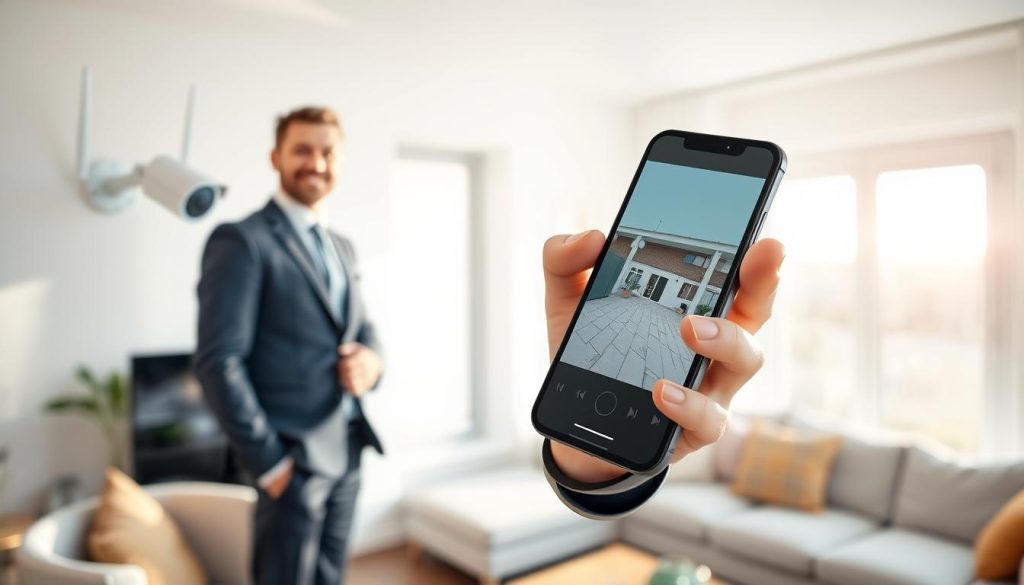
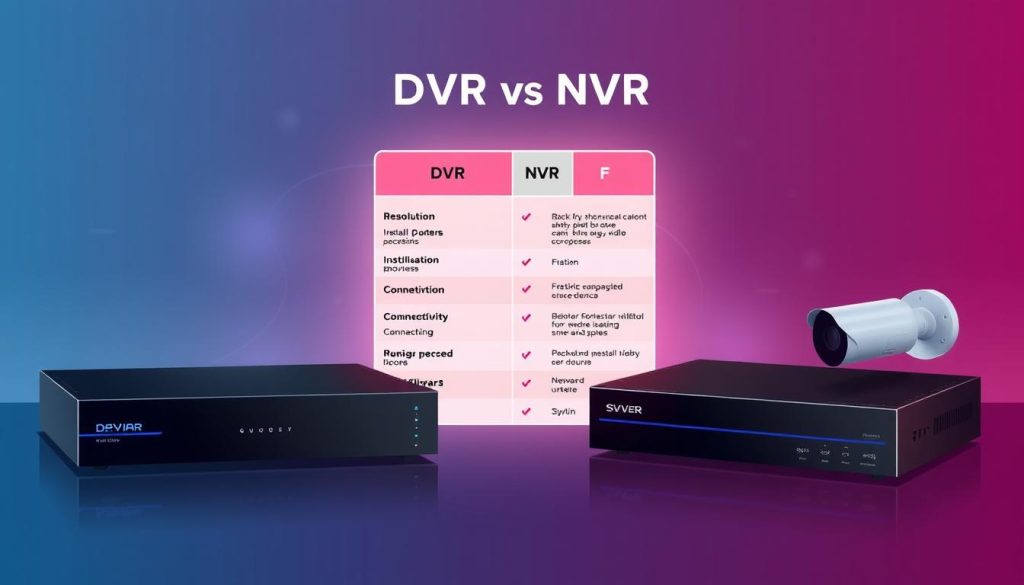
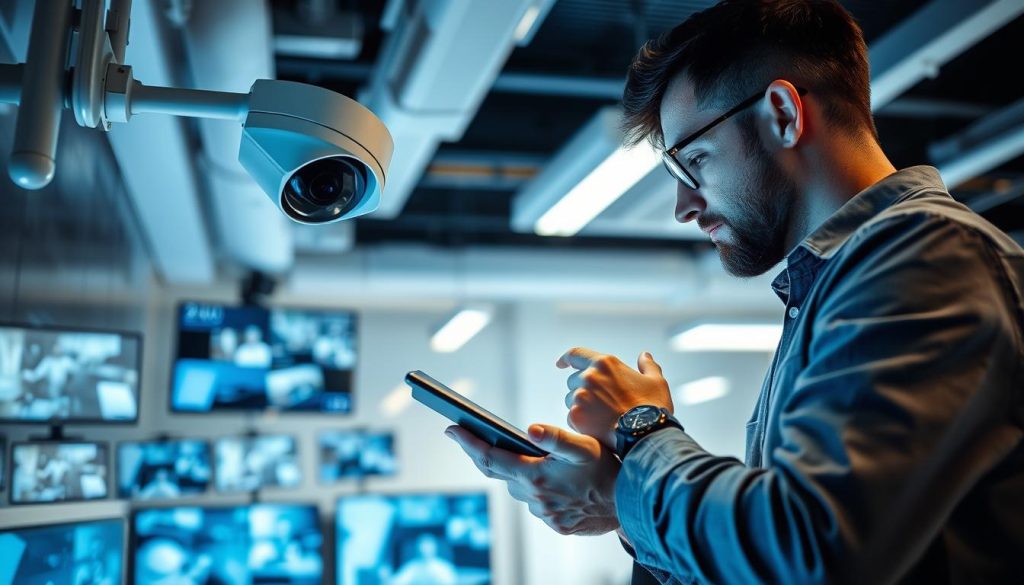
Your security system is only as strong as its ability to capture events. For homeowners and business owners in Singapore, confirming that your CCTV camera is working is a fundamental part of protecting your property. This guide provides clear, actionable steps and checks. You will learn a reliable way to confirm your surveillance system‘s status at any time. A non-functional camera creates a dangerous false sense of safety. Regular verification is a necessary habit for responsible security management. We will cover a multi-faceted approach. This includes physical inspections, software reviews, and configuration settings. The process is straightforward and does not require advanced technical skills. Modern CCTV systems have built-in indicators that make verification simple. The following sections offer detailed instructions to give you complete confidence. Key Takeaways Knowing your CCTV’s recording status is essential for effective surveillance. Visual and audio indicators on the cameras can signal they are functioning. Performing regular checks greatly enhances your overall security and peace of mind. Understanding your system’s basic settings helps confirm it is capturing footage. Technical verification methods provide an extra layer of assurance. A non-recording camera offers no real protection for your home or business. Verification is a simple process that most users can perform themselves. Understanding How Your CCTV System is Designed to Work A functional CCTV setup relies on several key components working together seamlessly. Each part has a specific job in capturing, processing, and storing video. Knowing this design is the first step in verifying your surveillance operation. You can then perform accurate checks. This foundational knowledge makes all later verification steps logical and clear. Core Components of a Modern CCTV Setup Every system is built from a few essential pieces. The cameras are the eyes, capturing raw visual data. They come in various forms like wired or wireless, and analog or IP. Each type influences installation and how you check its status. Outdoor models often include night vision capabilities, using infrared LEDs. These LEDs glow red in the dark, serving as a clear activity indicator. The recorder, either a DVR or NVR, is the brain. It processes the video signals and saves the footage to a hard drive. A steady power supply is the lifeline for all cctv cameras. Without it, the entire system fails. Connectivity through cables or Wi-Fi completes the setup, allowing data to flow. Common Recording Modes: Continuous vs. Motion-Activated Your cctv can save video in different ways. The two primary options are continuous and motion-activated recording. Understanding which mode your camera uses is crucial for verification. Continuous recording captures every second. It leaves no gaps, which is vital for high-security areas. This mode requires significant storage space. You must ensure the hard drive has enough capacity. Motion-activated recording is more efficient. The camera only saves footage when it senses movement. This saves storage and makes reviewing events faster. The detection sensitivity can usually be adjusted in the software. A well-tuned motion sensor is key to catching important events. Features like pan-and-tilt mechanisms also provide visual cues. You might hear a motor sound or see the camera move, confirming it is active. This basic understanding directly informs your checks. You will know what normal operation looks and sounds like for your specific setup. How Do I Know If My CCTV Is Recording? Start with Physical Checks Physical signs and sounds from your equipment offer immediate clues about its operational status. This is your first and fastest line of verification. You can perform these checks without any special tools. Simply observe your camera and listen closely. These steps give you instant feedback on its health. Interpreting LED Light Patterns and Colors Most security cameras have small LED lights that act as a primary indicator. The color and pattern tell a clear story. A steady blue light often means active recording is in progress. A solid red light can signal the camera is on standby. Sometimes, it means infrared night vision is active. Blinking lights are a big sign the system is processing data. Always check your model’s manual for exact meanings. Brands use different color codes. To test night vision, observe the camera in a dark room. You should see a faint red glow from the infrared LEDs around the lens. This confirms the cctv cameras are powered and their low-light function is ready. If you see no lights at all, it could be a power issue. It might also mean the status indicator is disabled in the settings. Listening for Operational Sounds and Motor Movement Your ears are a powerful verification tool. A functioning cctv unit often makes subtle noises. Listen for a faint hum or a soft whirring sound. This is common in pan-tilt-zoom (PTZ) models. The sound comes from internal motors adjusting the view. You might also hear a quiet click when the lens auto-focuses. For cameras on a patrol sequence, watch for smooth movement. This is a definitive sign of power and activity. Walk in front of a motion-activated camera. It should subtly shift or follow your movement. This proves the motion detection is working. These physical checks are a simple routine for any home or business. Perform them weekly for peace of mind. Note: Some discreet, high-end models hide all signs. For those, you must rely on software to confirm recording. Using Software and Apps to Confirm Recording Status The mobile app or desktop software that controls your CCTV offers definitive proof of recording. This digital interface provides real-time visual evidence. It is the most reliable way to verify your surveillance operation. Modern security systems are designed for remote monitoring. You can perform these checks from anywhere with an internet connection. The process gives you immediate confidence in your camera‘s activity. Checking the Live View Feed on Your Phone or Monitor Accessing the live feed is the ultimate test for any camera. Open your dedicated security application on a smartphone or tablet. You can also use desktop software on a computer monitor. Navigate to the section showing your connected cameras.
Verify if Your CCTV is Actively Recording Read More »