The Best Construction Site Security Cameras for Reliable Jobsite Protection
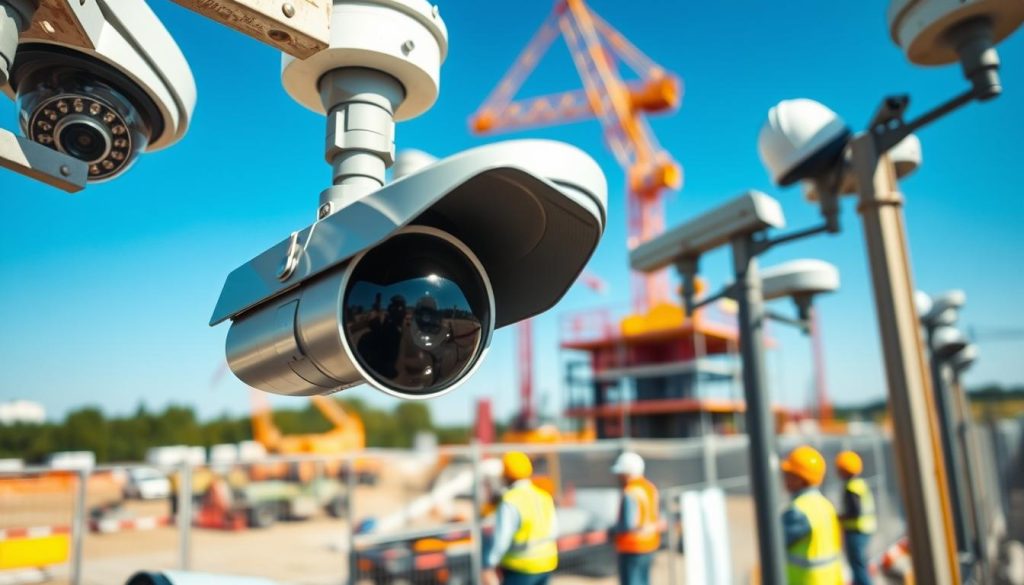
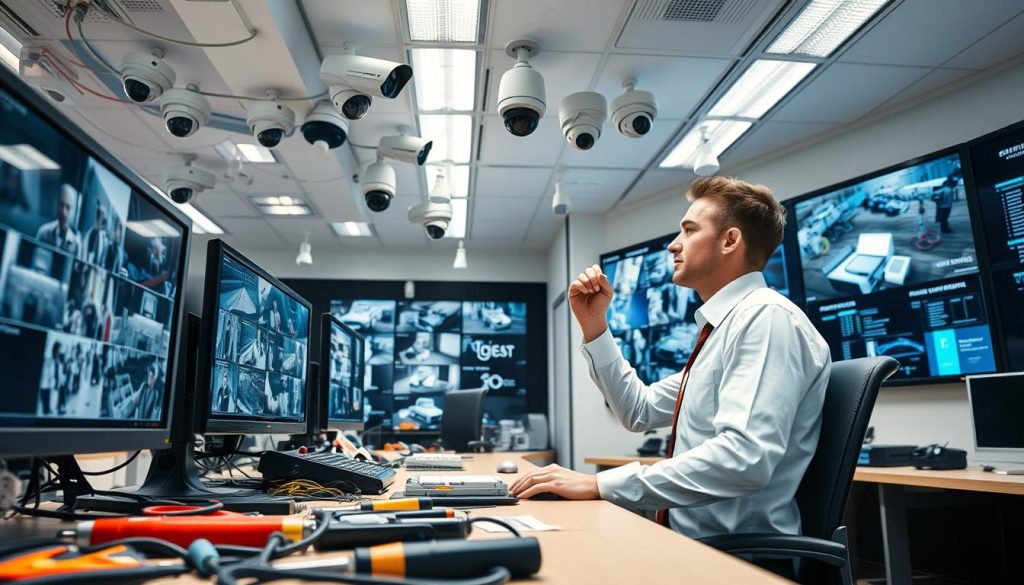
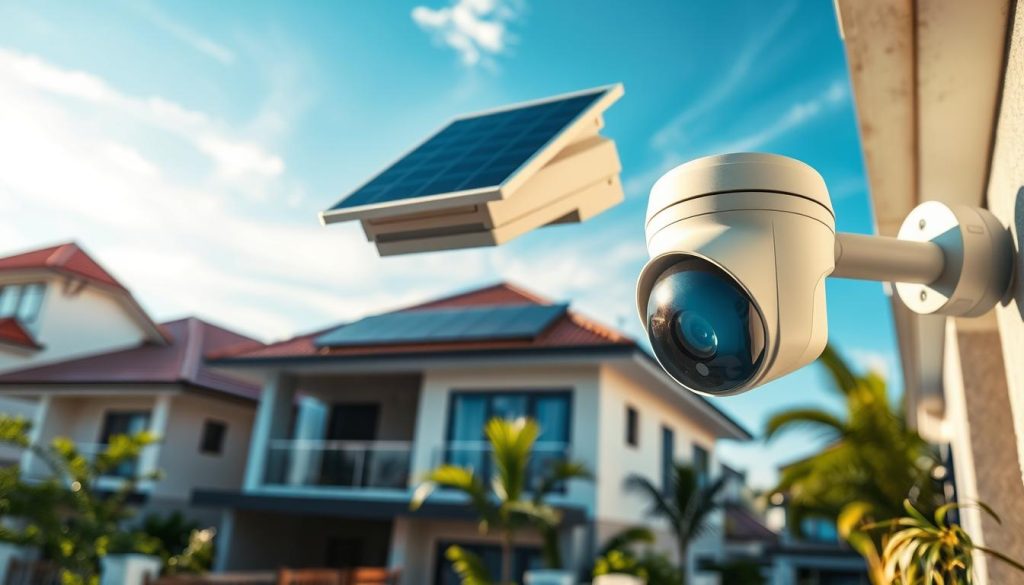
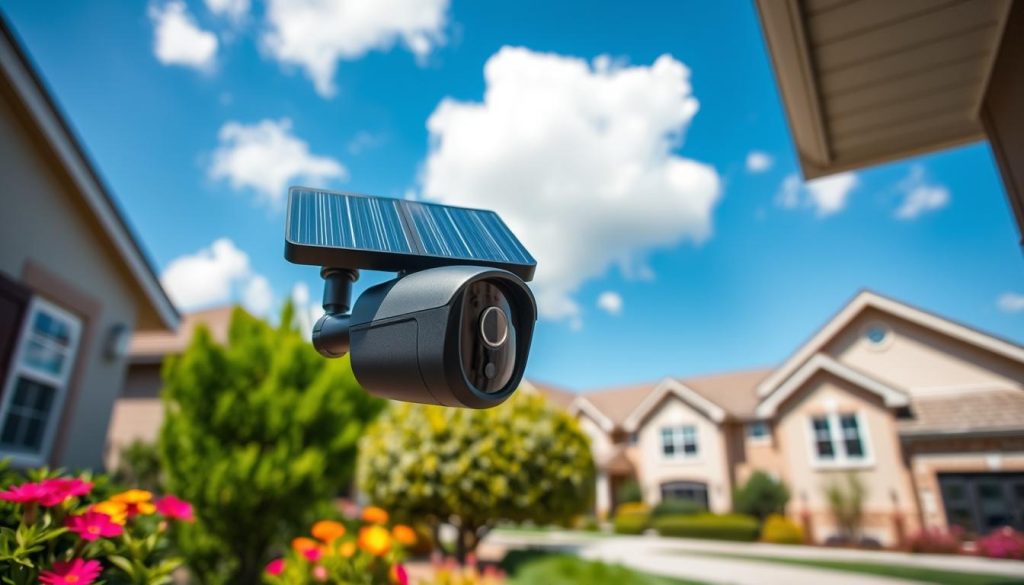
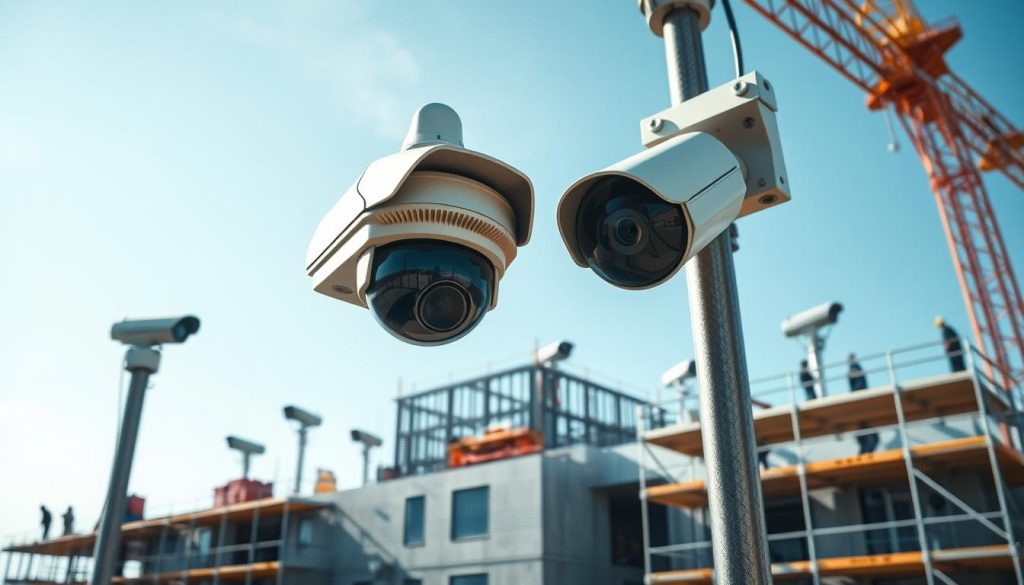
Protecting a project area is a top priority for managers in Singapore. The stakes are high. Theft and vandalism cause huge financial hits. Recent data shows a 25% increase in such incidents across the local industry. Annual losses can approach $500,000 per location. This makes a strong case for a robust visual monitoring solution. The right setup does more than just record. It acts as a powerful deterrent, potentially stopping 40% of burglaries before they happen. Modern technology transforms simple recording into intelligent oversight. These systems provide real-time alerts and remote access. Managers can watch over their projects from anywhere. This leads to much better operational control and safety compliance. With new rules coming, video surveillance will soon be mandatory for larger developments. This adds a legal need to the clear financial one. Choosing the correct equipment is now a critical business decision. This guide will help you navigate the options. We’ll break down the features, types, and benefits of today’s top systems. Our goal is to help you make an informed choice for your project’s unique needs. Key Takeaways Theft causes massive financial losses, nearing half a million dollars annually per project in Singapore. Visible surveillance can prevent up to 40% of crime attempts and reduce losses by 80%. Remote-access systems boost operational efficiency by 60%, allowing for better management. High-quality video provides crucial evidence for investigations and insurance claims. Upcoming regulations will make video monitoring a legal requirement for major projects. Investing in the right system is a proactive step that pays for itself through loss prevention. A comprehensive setup enhances overall site oversight, safety, and project timeline adherence. Why Construction Site Security Cameras Are Non-Negotiable in Singapore Project managers across the island are facing a stark new reality: visual monitoring is no longer optional. The data paints a clear and urgent picture. Ignoring this need directly threatens a project’s bottom line and timeline. The Rising Tide of Theft and Vandalism on Job Sites Project areas are prime targets for criminal activity. Statistics show they are 400% more likely to be hit compared to other properties. About 80% of local firms have dealt with stolen assets. This isn’t just about missing tools. High-value equipment and bulk materials often disappear. Such losses can inflate total project costs by up to 25%. This hits profitability hard. Every stolen item needs replacing, causing delays and budget overruns. A visible surveillance system acts as a powerful deterrent. Studies indicate it can reduce criminal incidents by up to 65%. This proactive approach stops trouble before it starts. Implementing a robust monitoring setup has proven results. It can slash theft by 50% and vandalism by 70%. This protection is a direct investment in financial safety. Beyond Security: Enhancing Site Management and Safety Compliance Modern visual systems are multi-purpose management tools. They provide continuous oversight of all activity. Supervisors gain a clear view without being physically present. This remote access improves worker accountability. It also offers irrefutable evidence for any safety incident investigations. Video proof is invaluable for understanding what truly happened. Managers use feeds to verify material deliveries. They can monitor subcontractor work and ensure safe procedures are followed. This level of oversight streamlines daily operations. A documented visual record is crucial for regulatory audits. It also defends against false liability claims. Having a timestamped log supports your position without question. In essence, a comprehensive monitoring solution is a core component of responsible project management. It safeguards assets, enforces protocols, and provides peace of mind. Key Features to Look for in Construction Security Camera Systems With numerous options on the market, knowing which technical specifications truly matter can make the difference between a basic recorder and a powerful management tool. This checklist breaks down the must-have capabilities that deliver clear evidence, intelligent oversight, and unwavering reliability. High-Definition Video and Color Night Vision for Critical Detail Image clarity is non-negotiable. You need to see faces, read labels, and identify license plates. A minimum of 1080p resolution is standard, but 4K provides four times the detail for crucial identification. Since the risk of theft and unauthorized activity peaks after dark, low-light performance is vital. Traditional infrared illuminators create black-and-white images. For critical color detail at night, look for models with advanced starlight sensors or full-color night vision. This technology captures usable evidentiary video in near-total darkness, making every hour a monitored hour. AI-Powered Analytics and Smart Motion Detection Modern intelligence transforms passive recording into an active sentry. Artificial Intelligence (AI) analytics can improve accurate incident detection by up to 40%. Instead of alerting you to every moving shadow, smart motion detection classifies objects. It distinguishes between a person, a vehicle, and an animal. This drastically cuts false alerts from wind or wildlife. You receive targeted notifications only for relevant events. This enables a proactive security posture. Managers can respond immediately to genuine threats, right from their phones. Rugged, Weatherproof Design and Reliable Power Options Project environments are harsh. Equipment faces dust, torrential rain, physical impacts, and extreme heat. A flimsy camera won’t last a week. Seek out units with an IP65 rating or higher. This guarantees complete protection against dust and jets of water. Vandal-resistant housings add another layer of durability. Power reliability is equally important. For locations with stable infrastructure, Power over Ethernet (PoE) is excellent. It sends both data and electricity through one cable. For remote or temporary setups, consider high-capacity battery packs or solar panels. These solutions ensure your monitoring system stays online, providing a continuous view regardless of grid availability. A professional assessment, like the one offered by Wenhong’s surveillance experts, can determine the best power and setup for your specific needs. Understanding the Different Types of Construction Security Cameras Effective oversight requires matching specific hardware technologies to the unique challenges of different zones within a project boundary. The right choice depends on what you need to see and the conditions on the ground. This breakdown covers the primary device categories and system architectures. It will help you configure a setup
The Best Construction Site Security Cameras for Reliable Jobsite Protection Read More »