
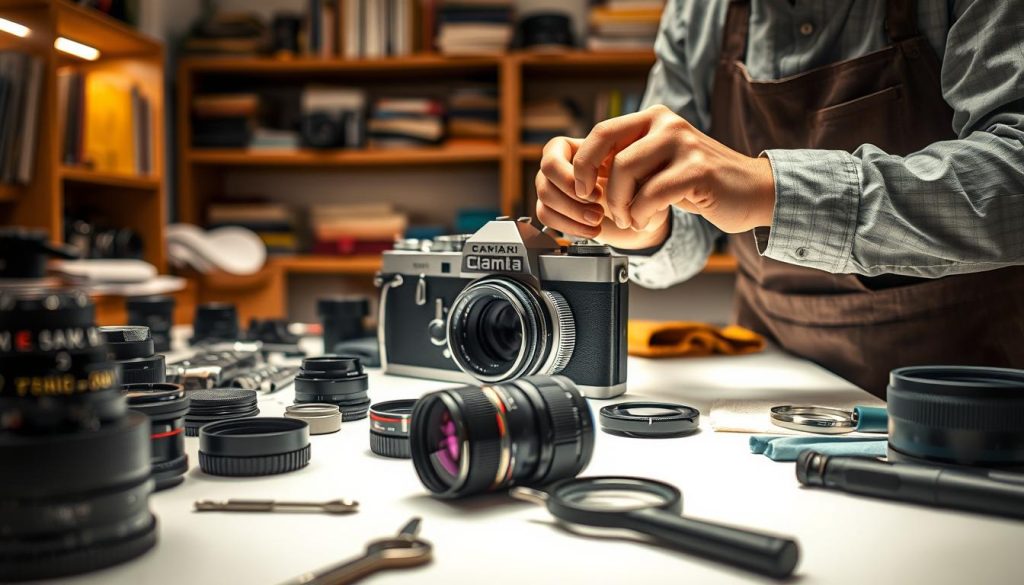
Your photography gear represents a significant investment in your creative passion. Proper maintenance ensures your equipment performs at its best for years to come.
Regular care protects image quality and extends your gear’s lifespan. This guide explores both professional servicing and safe home maintenance practices.
We’ll help you identify when your equipment needs expert attention versus routine cleaning. You’ll learn what happens during professional camera service from inspection to calibration.
Discover essential tools and techniques for effective equipment care. We’ll also share best practices for storage and handling to maintain reliability.
Key Takeaways
- Regular maintenance preserves image quality and extends equipment life
- Professional servicing involves thorough inspection and calibration
- Some maintenance tasks can be safely performed at home
- Recognizing when to seek professional help prevents damage
- Proper storage and handling are crucial for long-term reliability
- Having the right tools makes maintenance more effective
- Establishing a maintenance routine saves time and money
Why Regular Camera Servicing is Essential for Your Gear
Your photography equipment represents precision engineering at its finest. These complex instruments require consistent attention to maintain their capabilities. Professional maintenance ensures your investment continues delivering exceptional results.
Preserving Image Quality and Performance
Regular maintenance directly impacts your final images. Dust accumulation on sensors creates visible spots in photographs. These imperfections become especially noticeable against bright backgrounds.
Calibration keeps autofocus systems responsive and accurate. This prevents missed shots during crucial moments. Color accuracy and sharpness remain consistent over time.
Professional photographers understand this necessity deeply. Their business depends on reliable equipment performance. Consistent quality separates amateur work from professional results.
Extending the Lifespan of Your Equipment
Preventative care identifies potential issues early. Small problems get addressed before causing permanent damage. This approach saves significant repair costs later.
Well-maintained gear retains higher resale value. Buyers recognize equipment that received proper care. Your investment maintains its worth longer.
Regular servicing extends operational lifespan dramatically. Components wear less when properly maintained. You delay expensive replacements significantly.
Establishing a maintenance routine proves cost-effective. It protects against unexpected equipment failures. Your photography sessions proceed without interruptions.
When to Get Your Camera Serviced: Key Indicators
Recognizing the right time for professional attention keeps your equipment performing optimally. Different shooting habits and environments demand varying maintenance schedules.
Understanding these patterns prevents minor issues from becoming major problems. Regular assessment ensures your gear remains reliable when you need it most.
Annual Service Recommendations for Different Users
Professional photographers shooting multiple times weekly should consider servicing every six months. Heavy usage accelerates wear on mechanical components.
Recreational photographers typically follow an annual schedule unless performance issues emerge. Casual use creates less stress on internal mechanisms.
Travel photographers require more frequent attention, especially after dusty or humid environments. Harsh elements accelerate the need for professional cleaning.
Outdoor shooters exposed to weather extremes benefit from biannual checkups. Environmental factors significantly impact equipment longevity.
Signs Your Camera Needs Immediate Attention
Dark spots appearing in images against bright backgrounds indicate sensor dust accumulation. These imperfections require professional cleaning to maintain image quality.
Autofocus problems signal urgent need for technician assessment. Slow response or complete failure affects shooting accuracy.
Shutter errors and strange operational noises suggest internal component issues. These symptoms often precede complete system failure.
Physical damage from drops or moisture exposure demands prompt professional evaluation. Immediate assessment prevents further complications.
Unresponsive buttons or erratic dial behavior indicate internal connection problems. Electrical issues may cause rapid battery drain without increased usage.
Weather-exposed equipment requires prompt servicing after rain or extreme temperatures. Environmental damage can progress quickly without intervention.
What Happens During a Professional Camera Service
Professional maintenance transforms your photographic equipment. Certified technicians follow precise procedures to restore optimal performance. This comprehensive approach addresses both visible and internal components.
Every professional service begins with detailed assessment. Technicians examine external surfaces and internal mechanisms. They identify issues that might affect image quality or equipment longevity.
Standard Cleaning and Inspection Procedures
Technicians perform meticulous sensor cleaning using specialized tools. They remove dust particles without damaging sensitive surfaces. This process ensures spot-free images and consistent performance.
The camera body receives thorough external cleaning. Dirt and residue get removed from buttons, dials, and LCD surfaces. This maintains both functionality and appearance.
Mirror and viewfinder assemblies undergo careful cleaning. Technicians ensure clear viewing and accurate composition framing. These components require gentle handling and appropriate solutions.
Focusing systems get calibrated and tested across all points. This guarantees precise autofocus performance in various conditions. Proper calibration prevents missed focus in critical shots.
Lens mounts get cleaned and inspected for damage. Wear or debris can affect lens communication and stability. Technicians verify secure connections and proper alignment.
Advanced Services for Comprehensive Maintenance
Advanced maintenance includes detailed hardware assessment. Moving parts like shutter mechanisms get inspected for wear. Technicians evaluate overall mechanical condition and smooth operation.
Firmware updates ensure optimal performance and new features. Technicians install latest versions from manufacturers. This keeps your equipment current with technological advancements.
Battery health assessment checks power delivery reliability. Terminal cleaning maintains consistent electrical connections. This prevents unexpected power failures during important sessions.
Shutter count evaluation predicts potential replacement needs. High counts indicate approaching mechanical lifespan limits. This information helps plan future maintenance schedules.
Pixel mapping identifies and compensates for sensor imperfections. Dead or stuck pixels get mapped out during image processing. This maintains image quality across various shooting conditions.
Weather sealing tests verify protection integrity on resistant models. Technicians check seals against moisture and dust infiltration. This ensures reliability in challenging environmental conditions.
Comprehensive performance tests validate exposure accuracy and color reproduction. Technicians verify overall camera functionality meets manufacturer specifications. Final testing confirms all systems operate correctly.
How do you service a camera? Professional vs. Home Care
Understanding what tasks require expert handling versus what you can safely manage yourself is crucial for equipment longevity. This balance protects your investment while maintaining optimal performance.
Professional technicians possess specialized tools and training for complex procedures. Home care focuses on preventive measures and basic cleaning routines.
Tasks Best Left to Certified Technicians
Sensor cleaning demands professional expertise and controlled environments. Technicians use specialized equipment to remove dust without damaging sensitive surfaces.
Internal repairs require authorized service center attention. Shutter replacements and circuit board issues need specific technical knowledge.
Calibration procedures utilize precision measurement instruments. Lens alignment and autofocus systems need factory-standard adjustment tools.
Weather sealing assessment verifies protection integrity. Technicians familiar with specific models ensure proper sealing against environmental elements.
Safe At-Home Maintenance Practices
External cleaning maintains equipment appearance and function. Use blower brushes for dust removal and microfiber cloths for surface wiping.
UV filter installation provides front-element protection. These affordable accessories shield lenses from scratches and impacts.
Basic lens cleaning preserves optical quality between professional services. Proper technique prevents smudges and maintains image sharpness.
Storage practices significantly impact equipment longevity. Keep gear in dry, dust-free environments with silica gel packs for moisture control.
Battery maintenance extends power cell performance. Follow manufacturer guidelines for charging cycles and storage conditions.
Memory card management prevents data loss. Regular formatting and proper handling ensure reliable performance during shoots.
Equipment organization protects your investment. Use protective bags and cases to prevent damage during transport and storage.
For comprehensive guidance on maintaining your photographic equipment, explore our detailed resource at camera maintenance professionals.
Essential Tools and Techniques for Camera Maintenance
Proper maintenance tools form the foundation of reliable camera equipment care. Having the right supplies transforms routine maintenance from challenging to straightforward. This section explores essential protective gear and cleaning supplies every photographer should consider.
Quality maintenance equipment protects your investment and maintains optimal performance. The right tools prevent damage during cleaning and handling. They also extend the lifespan of your photographic equipment significantly.
Protective Gear: Filters, Bags, and Caps
Protective equipment shields your gear from environmental hazards and physical damage. These items create barriers against dust, moisture, and impact forces. Proper protection reduces the need for frequent professional cleaning.
UV filters provide essential front-element protection against scratches and impact damage. They serve as sacrificial glass that takes damage instead of your actual lens. High-quality filters maintain optical quality while offering physical protection.
Quality camera bags with proper padding protect equipment during transport. They feature compartments that prevent items from shifting and colliding. Look for weather-resistant materials and comfortable carrying options.
Lens caps prevent dust accumulation on glass surfaces when not in use. Both front and rear caps create complete protection for stored lenses. Many photographers carry spare caps to ensure continuous protection.
“The right protective gear isn’t an expense—it’s insurance for your photographic investment.”
Weather protection covers shield equipment from rain and extreme conditions. These lightweight jackets provide emergency protection during unexpected weather changes. They’re essential for outdoor photographers working in variable environments.
Silica gel packs control humidity within storage bags and cases. They absorb moisture that could cause fungal growth or electronic damage. Regular replacement ensures continuous protection against humidity.
Cleaning Supplies: Cloths, Blowers, and Brushes
Proper cleaning tools maintain optical clarity without risking damage to delicate surfaces. The right supplies remove dust and smudges safely and effectively. They preserve lens coatings and prevent scratches during routine maintenance.
Microfiber cloths offer safe cleaning without scratching delicate optical coatings. These specialized fabrics trap dust particles rather than pushing them across surfaces. Many photographers maintain separate cloths for wet and dry cleaning procedures.
Lens blower brushes remove dust and sand without contacting the glass surface. The brushing action dislodges particles while the blower removes them completely. This technique prevents abrasive contact with sensitive lens elements.
Air blowers with filters prevent introducing new dust during cleaning procedures. These tools create controlled air streams that remove contaminants safely. Filtered systems ensure clean air doesn’t add new particles to surfaces.
Cleaning solutions designed specifically for camera optics ensure safe and effective cleaning. These formulas remove stubborn smudges without damaging anti-reflective coatings. Always apply solution to the cloth rather than directly onto lenses.
Organized storage systems with designated spaces prevent damage and loss. Proper organization ensures tools remain clean and ready for use. It also prevents cross-contamination between different cleaning tasks.
Sensor cleaning kits require experience and proper training for safe use. These specialized tools address sensor dust that affects image quality. Most photographers prefer professional service for this delicate procedure.
Best Practices for Storing and Handling Your Camera
Proper storage and handling techniques protect your photographic investment from environmental threats and physical harm. These practices maintain equipment reliability between professional servicing sessions. Consistent care prevents common issues that affect performance and longevity.
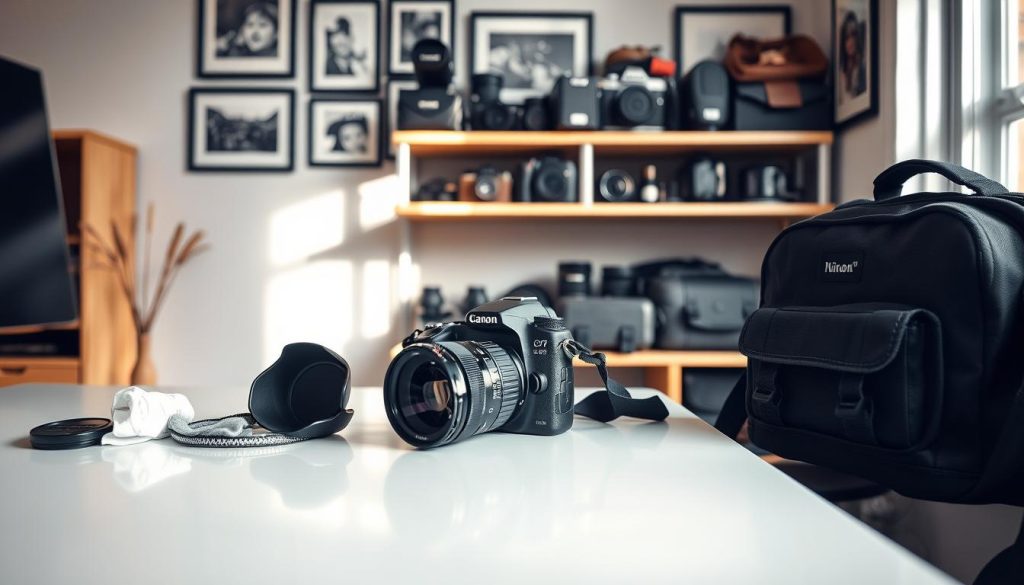
Implementing smart storage habits creates a protective environment for delicate components. Thoughtful handling during transport and use prevents avoidable damage. These methods ensure your gear remains ready for any photographic opportunity.
Ideal Storage Conditions to Prevent Damage
Create optimal storage environments with consistent temperature control. Cool, dry spaces prevent moisture buildup and material degradation. Low humidity levels protect electronic components from corrosion.
Always remove equipment from camera bags after use. This allows proper air circulation and prevents mold growth. Never leave gear in direct sunlight during storage.
Battery removal is essential for long-term storage. This prevents power drainage and potential leakage issues. Always turn off equipment properly instead of pulling batteries.
- Use silica gel packets in storage containers to control humidity
- Cover lens mounts with body caps and rear lens caps
- Clean equipment thoroughly before storage to remove dirt and smudges
- Store in locations with stable temperature and low humidity
- Regularly inspect storage conditions for environmental changes
Equipment should never remain in extreme conditions. Fluctuating temperatures can cause internal condensation. Always allow gear to acclimate slowly between different environments.
Handling Tips for Travel and Adverse Weather
Quality camera bags with proper padding are essential for transport. These protect against impact damage during movement. Compartmentalized organization prevents equipment collisions.
Avoid changing lenses in dusty or windy conditions. Seek sheltered environments to minimize dust introduction. This prevents particles from entering sensitive internal components.
“The way you handle your equipment between shoots determines its long-term reliability.”
Weather-resistant covers provide protection during rain or snow. These prevent moisture damage while maintaining shooting capability. Always dry equipment thoroughly after exposure to water.
Never store wet equipment in sealed bags. Allow proper air circulation to prevent corrosion. Remove batteries and memory cards before drying procedures.
During travel, maintain consistent temperature control when possible. Avoid leaving equipment in hot vehicles or direct sunlight. Sudden temperature changes can affect electronic performance.
Regular cleaning after outdoor sessions removes environmental contaminants. This prevents dirt from accumulating in moving parts. Proper maintenance ensures continued reliable operation.
Maintaining Your Camera for Long-Term Reliability
Long-term camera reliability depends on consistent maintenance practices that protect your investment. Regular care extends equipment lifespan while preserving image quality and performance.
Combine professional servicing with proper home care for optimal results. This approach prevents unexpected failures during important photography sessions.
Well-maintained gear produces sharp, accurate images year after year. It also retains higher resale value and requires fewer emergency repairs.
Establishing maintenance habits creates reliability professionals depend on. Documented service history helps troubleshoot future needs effectively.
Regular maintenance is the smartest way to protect your photography equipment investment. It saves time and money while ensuring your gear remains ready for any shooting opportunity.