Troubleshoot CCTV: Dead Camera Solutions | Singapore
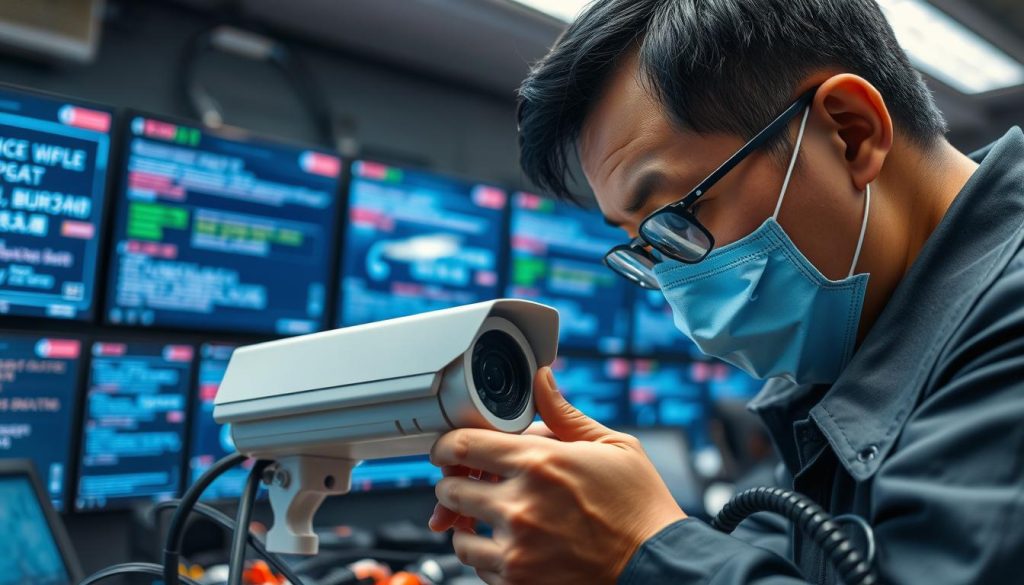
Ever thought about what might be hidden from a dead CCTV camera? In today’s world, having a working surveillance system is key. CCTV systems in Singapore are in high demand, protecting homes and businesses from threats. But, issues like malfunctioning or lost video feeds can put this security at risk. This article will help you fix dead camera problems and keep your surveillance working well. We’ll cover everything from checking power to inspecting cables. You’ll learn how to handle these common issues easily. If you need help right away, call ED Viston at +65 8313 4578. Find out about the latest CCTV solutions and special offers for your safety! Key Takeaways Common CCTV camera issues include playback problems, connectivity failures, and video loss. Effective troubleshooting involves checking connections and power, examining settings, and updating firmware. Using appropriate coaxial cables like RG11 can improve signal quality over longer distances. Proper cable installation techniques can prevent damage and maintain video feed clarity. Ensure you’re using suitable power supply voltages for your specific camera type to prevent operational issues. Understanding Common CCTV Camera Issues CCTV system troubleshooting is often needed because of technical problems. These can make monitoring less effective. Issues like power failures, lost video signals, or storage problems are common. They can be caused by bad power supply, damaged wiring, or old firmware. When a CCTV camera not working, finding the problem is key. For example, if a camera has a solid LED light but no video, it might have internal issues. Wireless cameras often face connectivity problems, leading to recording failures because of weak WiFi. Battery-operated cameras can also have problems. A quick check for low or dead batteries is important. In wired systems, bad cables can ruin the signal, causing a total loss of video. This might need manual checks and possible cable replacements. Fixing these common CCTV camera problems is critical for good surveillance. Regular checks and updates can help a lot. This ensures your system works well and keeps properties safe from security threats. To improve your CCTV setup and solve these issues, call ED Viston today at +65 8313 4578. They offer the latest CCTV solutions and deals. Preparing for Troubleshooting Your CCTV System Getting ready for CCTV system repairs is key. You need the right tools and materials before you start. This includes basic hand tools, a multimeter, and a computer for updates. Having the CCTV manual is also helpful, as it has important system info. Planning ahead makes troubleshooting easier. An organized approach helps avoid long downtime and keeps your system secure. Knowing common issues is important. For example, 15.8% of problems are about connectivity, and 12% are about remote viewing. Also, 30% of issues are with cables, so checking them is vital. Good preparation can lead to better troubleshooting success. Rebooting CCTV cameras works 82.6% of the time. Firmware updates solve 65% of problems. Knowing these stats helps you prepare better for any issues. In short, a well-organized preparation for CCTV troubleshooting is essential. It helps fix problems faster. For the latest in CCTV solutions or offers, call ED Viston at +65 8313 4578 today. How will you troubleshoot the CCTV system if you have a dead camera? Fixing a dead CCTV camera takes several steps to find the problem. A careful approach helps solve the issue. Knowing how to troubleshoot is key to getting your surveillance back up and running. Steps to Identify the Root Cause First, isolate the dead camera from the system. Test it separately to see if it works. Check the power supply next. Often, not enough power causes a camera to fail, leading to a black screen or flickering video. Make sure the camera gets the right voltage and current. Also, watch for thermal issues that might cause internal problems. Here’s a table with important things to check: Factor Assessment Steps Common Issues Power Supply Check voltage and current levels. Insufficient power, surges, interference. Cable Connections Inspect all connections and tighten loose cables. Loose connections, damaged cables. Signal Compatibility Ensure compatibility between cameras and recording devices. Different brands or resolutions may cause issues. Hardware/Firmware Update or reset the device if problems persist. Potential firmware bugs affecting performance. Considering the Nature of the Problem Understanding the problem’s nature helps in fixing it. Issues can come from power spikes, weak WiFi, or hardware failures. Knowing this guides your troubleshooting efforts. Watch out for ground-loop problems, which can fail during power changes. Getting help from electricians can improve your power supply and solve many issues. For more help with CCTV solutions, call ED Viston today at +65 8313 4578. Find out about the latest offers and services. Checking Power Supply and Connections When dealing with CCTV system problems, checking power supply and connections is key. A bad power source can cause blackouts or flickering feeds. Make sure all CCTV camera connections are tight to prevent service disruptions. Verifying Secure Connections Begin by checking the connections in your CCTV setup. Look for loose or corroded plugs that might block power flow. Ensure cables to cameras are securely connected to avoid video loss or transmission errors. Pay close attention to CCTV camera connections that carry power, even more so with multiple cameras. Inspecting Power Adaptors and Cords Then, examine the CCTV power adaptors and cords. Watch for wear like fraying or kinking, which can harm camera function. Knowing that power issues can stem from bad adaptors or cords highlights the need for a detailed check. For battery-operated cameras, check the battery levels and replace them when needed. This ensures continuous performance. By following these steps in checking power supply, you can greatly reduce video loss or blackouts. Having the right components can prevent many common problems. For more help and to discover the latest CCTV solutions and offers, contact ED Viston today at +65 8313 4578. Inspecting Cables and Wiring for Damage Keeping cables and wiring in good shape is key for your CCTV system to work right. Regular checks on CCTV
Troubleshoot CCTV: Dead Camera Solutions | Singapore Read More »