Hikvision Solar Solutions for Singapore Security
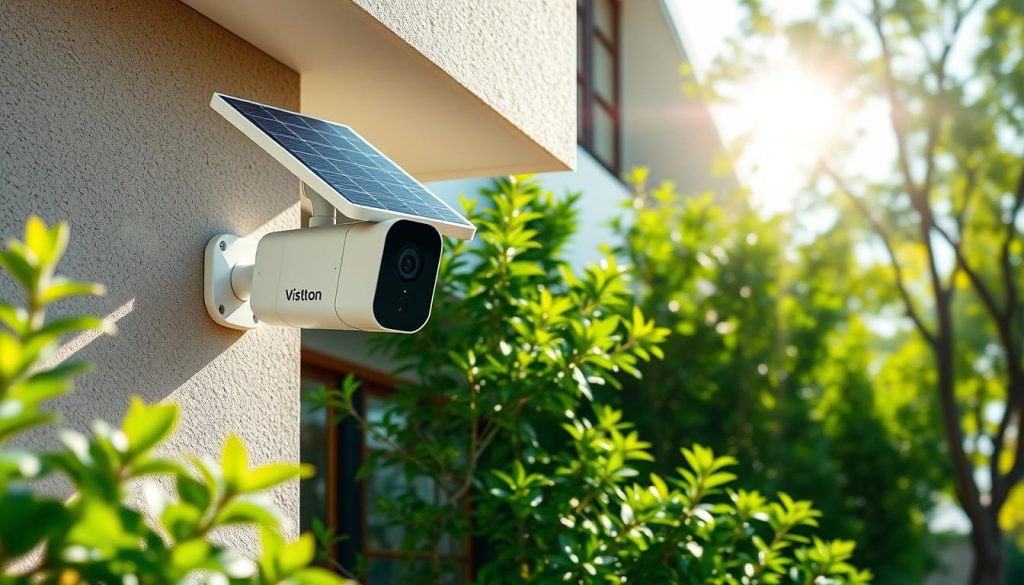
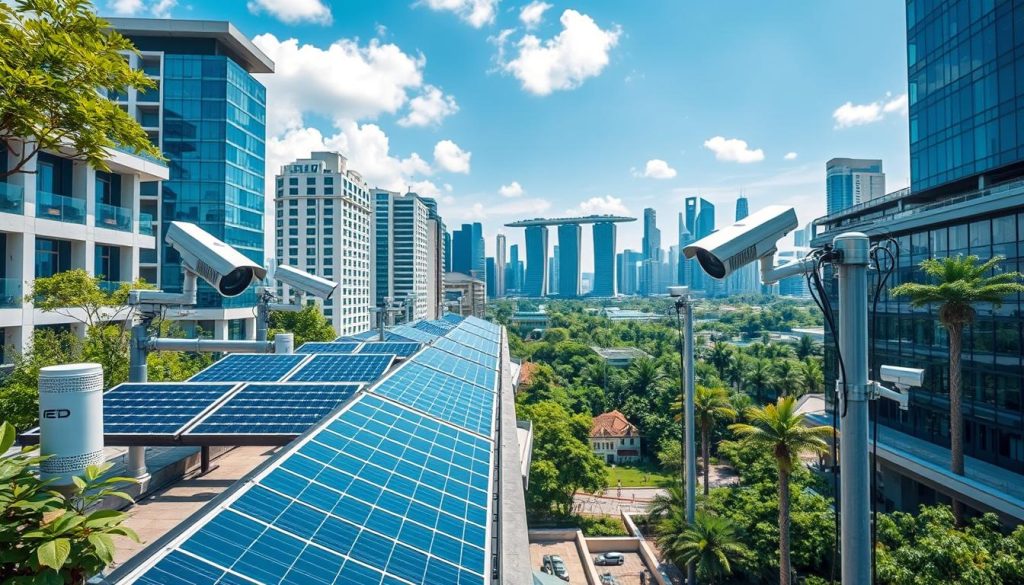
Urban landscapes are changing fast, and Hikvision solar solutions are leading the way in Singapore. They offer advanced surveillance without the need for traditional power or wiring. This makes them cost-effective, even in areas with little infrastructure. Hikvision’s solar solutions are both efficient and flexible. They work well in both permanent and temporary locations. By using renewable energy, they help reduce carbon emissions. This makes them a top choice for reliable and eco-friendly security needs. Key Takeaways Hikvision solar solutions offer significant cost savings with simplified installations. These systems provide extensive coverage, monitoring areas up to 500 meters. Solar-powered cameras maintain operation for up to 7 days without direct sunlight. Durability is ensured with an IP67 weatherproof rating, suitable for Singapore’s climate. The use of renewable energy contributes to a reduced carbon footprint. Introduction to Solar-Powered Security Systems Solar-powered security systems are a big step forward in surveillance, mainly in cities like Singapore. They are great for places with lots of people and a focus on being green. These systems help businesses and public places stay safe while helping the city use more renewable energy. The Rising Need for Sustainable Solutions in Singapore In Singapore, finding green solutions for security is key. Old electrical systems can be hard to set up, like in remote spots. Solar systems solve these problems, giving reliable protection without needing lots of wiring or electricity. They come in modules and kits that can be set up in many places. This includes farms, festivals, highways, and more. Understanding the Benefits of Solar Technology Using solar tech in security has many advantages. For example, Hikvision solar cameras can run for up to seven days on battery. They are light, making them easy to put up. They also last well in Singapore’s weather, thanks to their IP67 rating. This means they can handle the humidity and rain. These cameras show color images all day and night, up to 120 meters in the dark. Choosing solar cameras can also save a lot of money on energy. Some places have cut their energy bills by up to 75%. If you want to improve your security, look into renewable energy security solutions. They make your system more efficient and help the planet. Overview of Hikvision Solar Technology Hikvision’s solar technology is changing how we watch over places without power. It makes monitoring easier and cuts down on setup hassle. With Hikvision solar panel kits, solar cameras can work well even in far-off spots. How Hikvision Solar Cameras Operate Hikvision’s solar cameras work great on their own, without needing a network or power. They use smart battery tracking to guess how long the battery will last. This method is very accurate, adjusting for temperature and battery age. These cameras can keep a detailed log of up to 3,270 exceptions. This log helps understand how well the camera and battery are doing. Advantages of Integrated Solar Solutions Hikvision’s solar solutions beat old systems in many ways. They use a special solar charge controller that saves energy and makes batteries last longer. This controller is very good at using little power, keeping the system running smoothly. The design also stops power loss when the system is not busy. It’s safe from very hot temperatures and explosions. Plus, you don’t need to deal with lots of wiring, making it easy to set up anywhere. Feature Description Intelligent Battery Tracking Self-adaptive algorithms assess battery life based on usage. Energy Efficiency Customized solar charge controller improves battery life by up to 10%. Remote Monitoring Users can track power and data flow through a unified platform. Durability Battery rated IP67 for waterproofing; designed to endure harsh weather. Flexible Setup No wiring required; ideal for construction sites and public areas. Key Features of Hikvision Solar Cameras Hikvision solar cameras have amazing features for Singapore’s tough environments. They improve performance and are eco-friendly. This makes them perfect for green surveillance. Extended Battery Life and Power Efficiency Hikvision solar cameras have long-lasting batteries. They use a 20 Ah Lithium battery that lasts up to seven days without sunlight. This means they keep watching, even when it’s cloudy or rainy. The cameras also have a solar panel. This shows Hikvision’s dedication to green surveillance. Durability Against Singapore’s Harsh Weather Singapore’s weather is tough, and Hikvision cameras are built to handle it. They have an IP67 rating, which means they’re safe from water and dust. They can stand up to strong winds and heavy rain. These cameras are even designed to resist category 12 typhoons. They’re tough and work well in real-world situations. Hikvision Solar Surveillance for Urban Areas Urban areas face special challenges for safety and security. Hikvision’s solar surveillance systems are key to improving public safety in these crowded places. They use advanced tech for quick setup, without the need for lots of wiring. These systems are perfect for many urban uses because of their unique benefits. Impact on Public Safety and Security Solar powered security cameras have made public safety better. They can run for up to seven days on one battery charge, even in dim light. This means they can watch over areas all the time. They help emergency teams respond faster, keeping everyone safer. Features like ANPR, AcuSense, and radar detection make them even better at watching over cities. Applications in High-Density Regions Hikvision solar solutions work well in many crowded urban spots. Here’s where they can be used: Application Area Key Benefits Public Parks Enhanced monitoring capabilities, deterring vandalism and ensuring safety. Transportation Hubs Rapid deployment for improved traffic monitoring and passenger safety. Residential Neighborhoods Improved community safety with low installation costs and energy-efficient operation. Outdoor Events Temporary surveillance solutions that support crowd management and emergency response. Construction Sites Robust security measures that reduce theft and ensure worker safety. Hikvision solar cameras are built tough, with an IP67 rating against dust and water. This is key for keeping them working in Singapore’s varied weather. Their battery systems and connectivity options make them easy to use, making
Hikvision Solar Solutions for Singapore Security Read More »