Is CCTV Camera Repairable? | Quick Repair Tips
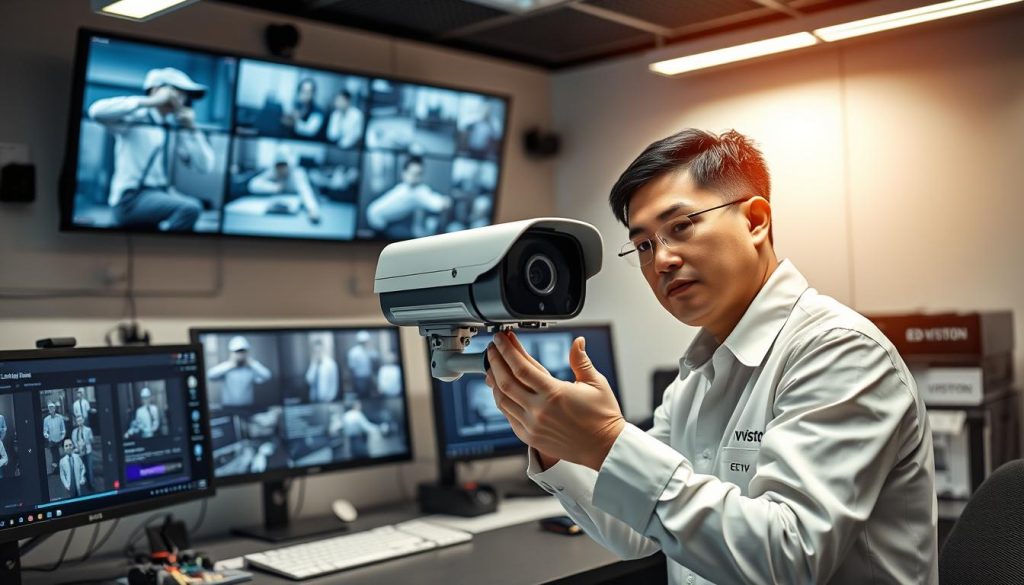
Ever thought about fixing a broken CCTV camera or just getting a new one? Knowing how CCTV cameras work is key to deciding if they can be fixed. We’ll look at common problems, quick fixes, and how to keep your cameras running well. With the rise of IP cameras, knowing when to fix or replace them is more important than ever. Key Takeaways Checking if your CCTV camera can be fixed can save you money. Modern IP cameras offer better quality and are now the norm. Issues like bad power supplies can often be fixed quickly. Keeping your cameras clean and well-maintained can make them last longer. If you’re unsure, a professional CCTV tech can help decide if it’s worth fixing or replacing. For more info on CCTV cameras and repairs, reach out to ED Viston today at +65 8313 4578. Discover the latest solutions and deals for your security needs. Understanding CCTV Camera Functionality CCTV cameras are key in today’s security systems. They work by using lenses, sensors, and recording systems. These parts together capture and save video. Each camera type, like analog, digital, or IP, has special features. The Mi Home Security Camera is a great example. It connects to WiFi at two frequencies, meeting different needs. It uses a secure encryption to stay connected. For the best results, it suggests using a class 10 MicroSD card for storing video in MP4@1080P format. This camera makes it easy to watch live feeds. Up to five devices can watch at the same time with one Mi account. It has a wide view of 130 degrees, perfect for catching faces from 5-6 meters (16-20 feet) away. It also has motion detection, but needs internet to start. It’s important to know about possible connection problems with CCTV cameras. Status lights can show if there’s a WiFi issue. Troubleshooting might be needed for updates or internet problems. This shows why it’s key to understand how CCTV cameras work. For more info on CCTV solutions and deals, call ED Viston at +65 8313 4578. Common Issues Experienced with CCTV Cameras CCTV cameras are key to security in many fields. Yet, they face common CCTV issues that can reduce their usefulness. It’s important to fix these problems fast to keep surveillance reliable. Power or connection problems are common. Issues like bad power supply and faulty wires can cause CCTV camera malfunctions. Also, wireless cameras might stop working if WiFi signals are lost, which can mess up surveillance. Old firmware is another big problem that can lead to video loss. Keeping cameras updated is essential for them to work right. Brands like Swann have faced issues like video loss due to power cuts, cable problems, and hardware failures, affecting their performance. Glare from shiny surfaces can also make footage blurry, worse at night. Cameras pointed too high can make this problem worse. Getting help from professional installers can help avoid glare and improve video quality. Knowing about these common CCTV issues helps keep monitoring and security up to date. For the latest CCTV solutions and deals, call ED Viston today at +65 8313 4578. Is CCTV Camera Repairable? Figuring out if a CCTV camera can be fixed is key. Knowing when to repair can save time and money. Issues like no image, constant disconnections, or bad video quality are common. Spotting these problems early helps keep your surveillance system running smoothly. Signs Your CCTV Might Need Repair Spotting repair signs early is vital for your CCTV’s performance. Look out for these signs: No Video Feed: A black screen means big problems. Frequent Disconnects: Losing connection often points to wiring or hardware issues. Distorted Footage: Blurry or glitchy video means lens or sensor problems. Error Messages: Any DVR alerts mean it’s time to troubleshoot. Power Issues: Unstable power can mess with camera function. Typical Repairs and Solutions After spotting repair signs, you might need to fix your CCTV. Here are common fixes: Replacing Faulty Wires: Bad cables can ruin video quality. Firmware Upgrades: Keeping software up-to-date boosts performance and security. Camera Lens Repair or Replacement: Fixing or swapping the lens improves image quality. Power Supply Replacement: New power supplies ensure your camera works right. Regular checks can make your CCTV last longer and work better. Need help with your CCTV? Call ED Viston at +65 8313 4578. They offer the latest CCTV solutions and deals. CCTV Troubleshooting: Quick Fixes to Try First Before you call a pro, many CCTV problems can be fixed easily. Spotting simple issues can save you time and money. Here are some key steps: Check power connections: Make sure the power source works and all connections are tight. Inspect cables: Look for any damage on cables linking the camera to the DVR or monitor. Damaged cables can cause video loss. Adjust camera lens angles: If cameras are not set right, they might not capture anything. A quick adjustment can fix this. Examine the DVR settings: Sometimes, DVR settings can change by accident, affecting video quality. Restart the system: A simple reboot can fix minor issues that affect camera performance. These quick fixes are the first steps in CCTV troubleshooting. Fixing these issues quickly can often solve problems without needing big repairs. If these fixes don’t work, it’s time to call a pro for a detailed check. For expert help, contact ED Viston today at +65 8313 4578. They offer the latest CCTV solutions and deals. Regular Maintenance Tips for CCTV Cameras Regular CCTV maintenance is key to a working surveillance system. Simple tasks can make your cameras last longer and work better. Cleaning lenses and updating software are essential. They prevent bad images and security risks, keeping your system safe. Importance of Cleaning Camera Lenses Cleaning your CCTV camera lenses is a must for clear views. Dust and dirt can blur images and reduce monitoring power. Use a soft cloth and lens cleaner to keep your lenses clear. Regular cleaning ensures you capture important moments clearly. Keeping Software and Firmware Updated
Is CCTV Camera Repairable? | Quick Repair Tips Read More »