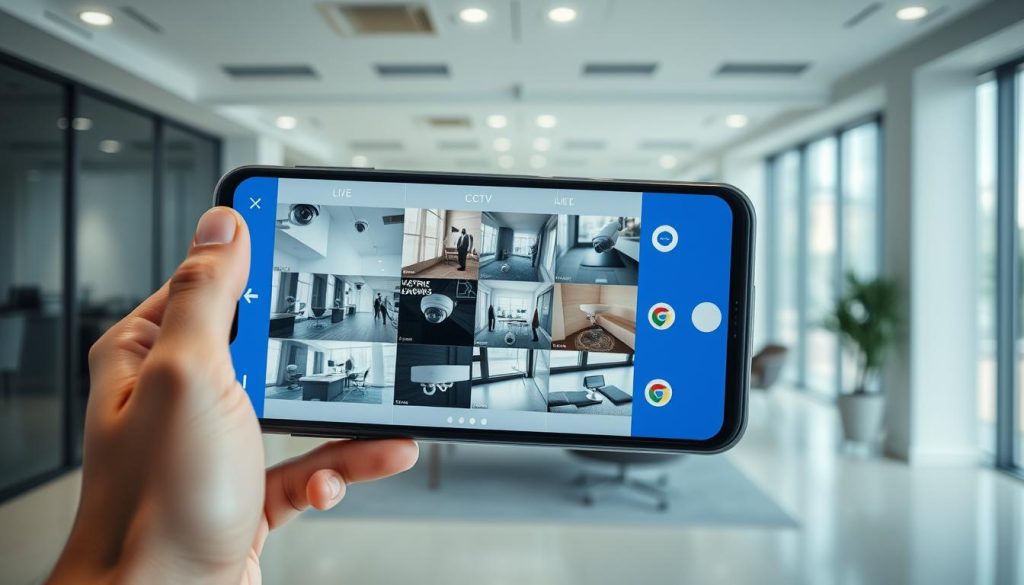
Which app is best for watching CCTV on Android?
In today’s fast world, security is more important than ever, in places like Singapore. Finding the right app for watching CCTV on Android can really help. It lets you keep an eye on your home or business easily. The best app for this has features like watching live, getting alerts for security issues, and seeing past footage. This article will look at different Android surveillance apps. We’ll help you find the best one for your needs. Key Takeaways Importance of mobile surveillance management in urban areas. Benefits of real-time monitoring with an Android surveillance app. Features that make the best CCTV app for Android stand out. Integration of user experiences in evaluating top apps for CCTV watching. Considerations for data privacy and security when using these apps. Introduction to CCTV Apps for Android CCTV apps for Android have changed how we watch over our security systems. These apps let users see their surveillance feeds from anywhere, using Wi-Fi or cell networks. This makes it easier to stay safe, whether at home or work. These apps let users check on their properties from anywhere. They have many features to meet different security needs. This shows how technology is making our lives safer every day. Key Features to Look for in CCTV Apps When looking at CCTV apps, it’s important to know what they offer. The best apps give you real-time surveillance, video playback, and alerts. These features help you keep an eye on your surroundings. Real-Time Surveillance Capabilities Real-time surveillance is key for security. You can watch live feeds from many cameras at once. This is important for quick action in emergencies. Good CCTV apps stream smoothly. They keep the connection strong and the video clear. Playback and Recording Options Being able to watch recorded footage is vital. Look for apps that make it easy to find and play back videos. They should let you sort by date or event type. Quality apps make sure videos are easy to find and clear. This helps with both watching live and reviewing past events. Notification Alerts for Security Events Alerts are the heart of quick security responses. Apps should send alerts for things like motion. This lets you act fast. Choose apps that let you set up alerts how you like. This makes your security system more personal and effective. Top Android Apps for Watching CCTV Choosing the right app is key to securing your home or business. The best CCTV apps for Android are easy to use. They let you watch surveillance feeds without hassle. These apps are among the most popular security apps out there. There are many Android surveillance software options. Each one meets different needs and preferences. Here are some of the most reliable choices: DMSS App: Known for its wide range of features, this app lets you watch live feeds and play back videos. iDVR-PRO Viewer: This app is easy to use. It supports many camera types and lets you access live and recorded footage easily. AlfredCamera: It turns old smartphones into security cameras. It offers advanced monitoring features. Each app has its own special features but is also very reliable. Users in Singapore will find these apps increase safety and give them peace of mind. DMSS App: A Complete Security Solution The DMSS app is a strong tool for managing surveillance systems. It has a simple interface that makes it easy to use. This makes it a great choice for watching security cameras. Real-Time Live View and Video Playback The DMSS app offers a smooth live view CCTV experience. Users can watch real-time footage from their cameras. This keeps them updated on what’s happening around them. The app also lets users play back recorded videos. This feature is useful for reviewing footage when needed. Together, these features make it a complete solution for surveillance. Instant Alarm Notifications The DMSS app sends instant alarm notifications for triggered events. Users get alerts on their devices, allowing for quick action. This proactive approach helps users feel more secure, knowing they’re informed in real-time. Alarm Hub and Device Sharing Features The DMSS app makes it easy to share devices, bringing families and trusted people together. Users can give specific permissions, so only the right people can see the CCTV feeds. The app’s alarm hub also improves security by coordinating multiple devices from one place. iDVR-PRO Viewer: User-Friendly Interface The iDVR-PRO Viewer app is easy to use, making it perfect for anyone looking for a simple security app. It’s designed to be straightforward, so users of all levels can navigate it easily. You can watch live feeds and review recorded videos from iDVR-PRO devices, keeping security monitoring simple and effective. Live View and Playback Functions The iDVR-PRO Viewer app offers strong live viewing features. It lets you watch your space in real-time, which is key for security. Plus, you can quickly check out videos you’ve recorded before, so you always have the right footage ready. Support for Multiple Camera Types This app also supports many camera types, making it versatile for security systems. You can easily add different cameras to your setup. Setting up local and remote access is easy, so you can keep an eye on your security over Wi-Fi or cellular data. AlfredCamera: The Versatile Home Surveillance App The AlfredCamera app turns old smartphones into security cameras. It lets users create a home monitoring system without spending much. This app helps people use their old phones for something useful, saving money and the environment. Transform Old Phones into Security Cameras Turning an old phone into a security camera is easy with AlfredCamera. Just download the app on the old phone and your main phone. You can start live streaming and get alerts with just a few taps. Smart Features for Home Monitoring The app has smart features to improve home security. It includes: Real-time live streaming, so you can watch your home from anywhere. Night vision, so you can see even in the dark. Motion detection alerts, which tell
Which app is best for watching CCTV on Android? Read More »