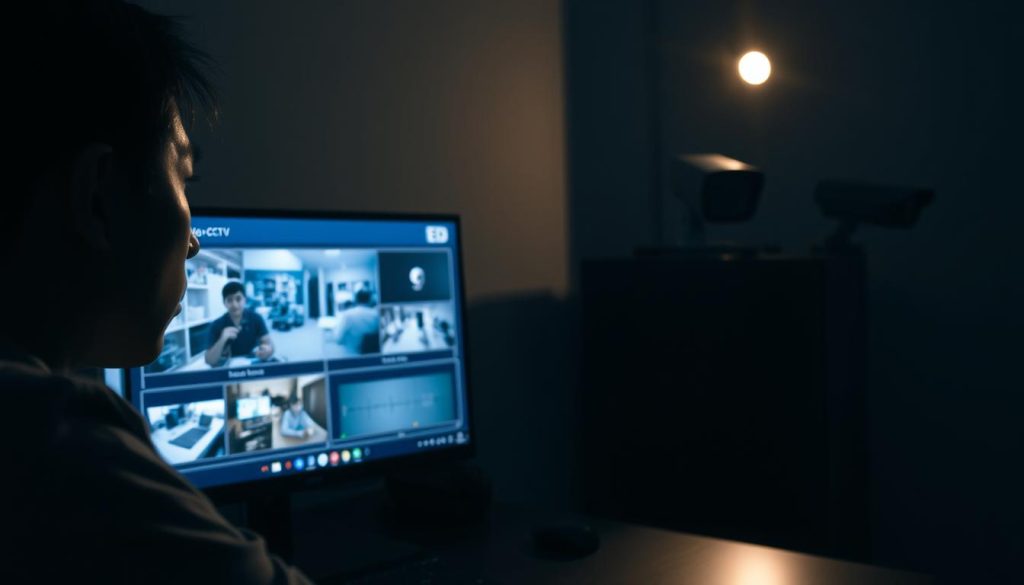
Is My CCTV on at Night? Check with These Tips
Ever wondered if your CCTV system is watching over your property at night? It’s a big concern for keeping your place safe. Knowing if your CCTV is on at night is key. We’ll show you easy ways to check if your CCTV is working at night. Want to boost your security? Check out Wenhong’s IP CCTV technology. For the latest in CCTV solutions and deals, call ED Viston at +65 8313 4578. Key Takeaways Understanding your CCTV’s nighttime functionality is essential for effective security. Routine checks can prevent failures in monitoring after dark. Use login systems and LED indicators to confirm operational status. Infrared capabilities are vital for night vision security cameras. Identifying issues promptly can minimize vulnerability during nighttime. Understanding CCTV Night Operations CCTV systems are designed to work well in the dark. This is key for keeping places safe at night. Thanks to infrared tech, cameras can see in complete darkness. This means users can count on CCTV nighttime operation for constant watch. Features like the Reolink Atlas PT Ultra make a big difference. It offers 4K UHD recording and ColorX Night Vision. It uses infrared and smart light detection to see in the dark. It can even spot faces and license plates from far away. Knowing how these cameras work can ease worries about night use. Understanding infrared range and sensitivity is important. Knowing about possible issues, like dust affecting them, helps in choosing the right one. Businesses looking to boost security should talk to experts. To learn more about CCTV tech and deals, call ED Viston at +65 8313 4578. Common Signs That Your CCTV Is Functioning It’s important to check if your CCTV is working at night for security. You can do this by looking for certain signs. One way is to see if you can watch live footage. This lets you know the system is working, which is key at night when dangers are more likely. Another sign is the LED lights on your cameras. Most show red lights in the dark, which means they’re on. The number of cameras with these lights can vary. Cameras with blinking lights are usually working right, but those without might need a closer look. Cameras that move can also tell you they’re working. You’ll hear them moving. Keeping your system in good shape is key. About 20-25% of camera problems come from not doing regular checks. Getting a pro to install your CCTV can help a lot. It can cut down on system failures by 40-50%. This makes your place safer. For help and advice, talk to a trusted security partner who offers custom CCTV solutions. Indicator Description Importance Live Footage Access Ability to view real-time video feeds Confirms operational status during critical times LED Status Lights Visual representation of camera activity Provides instant feedback on camera functionality Audible Movements Sound emitted from pan-tilt cameras Indicates active monitoring and responsiveness Regular Maintenance Routine checks and updates Reduces the likelihood of malfunctioning systems For more info on CCTV solutions and deals, call ED Viston at +65 8313 4578. How do I know if my CCTV is on or off at night? It’s important to know if your CCTV system is working at night for security. You can check by looking for certain signs. These signs help you see if your system is working right in the dark. Identify Power Indicators Power indicators are key to checking your CCTV at night. Many CCTV systems have LED lights that show if they’re working. A red LED usually means the camera is recording. Other colors might show different issues like power or connection problems. Check for LED Status The LED status of your CCTV also tells you about its night performance. A blinking red light might mean something’s happening. A steady blue light usually means it’s recording. If the LED lights are off or not working right, it could mean power or system issues. Checking these lights often helps you see if your CCTV is working in the dark. To make sure your system works best, call ED Viston today at +65 8313 4578. They can tell you about the latest CCTV solutions and offers made just for you. Log into Your CCTV System Logging into your CCTV system is key for real-time monitoring. It lets users check if cameras are working at night. Modern CCTV systems offer live footage and data to confirm camera operation. Many CCTV cameras record in 4K UHD, making footage clear. Infrared cameras work well in the dark, with red lights showing they’re on. This helps tell real security cameras from fake ones. Checking camera indicators, like status LEDs, shows if cameras are working. This gives users confidence in their security setup. If you’re unsure about your system, getting professional help is a good idea. Contact ED Viston today at +65 8313 4578 for more on CCTV solutions and offers. Infrared Capabilities and Their Importance Infrared technology boosts surveillance systems, mainly in dark places. Knowing how infrared lighting works is key for a good security setup. Infrared cameras make night vision CCTV systems work better, even in total darkness. The Role of Infrared Lighting Infrared (IR) night vision cameras use special LEDs for dark areas. They see objects through IR light and show them as visible to us. This makes infrared cameras great for dark places like parking lots or homes. Testing the Camera in Complete Darkness It’s important to check CCTV systems at night to make sure they work well. Here’s how to do it: Make sure the camera is on and working. Block any nearby lights that might mess with the test. See if the camera switches to black and white mode for better contrast. The IR cut filter is key for this. It blocks IR light in the day but lets it shine at night. This shows if your camera can give clear footage in complete darkness. Testing often helps find and fix problems, keeping your night vision CCTV system top-notch. If
Is My CCTV on at Night? Check with These Tips Read More »