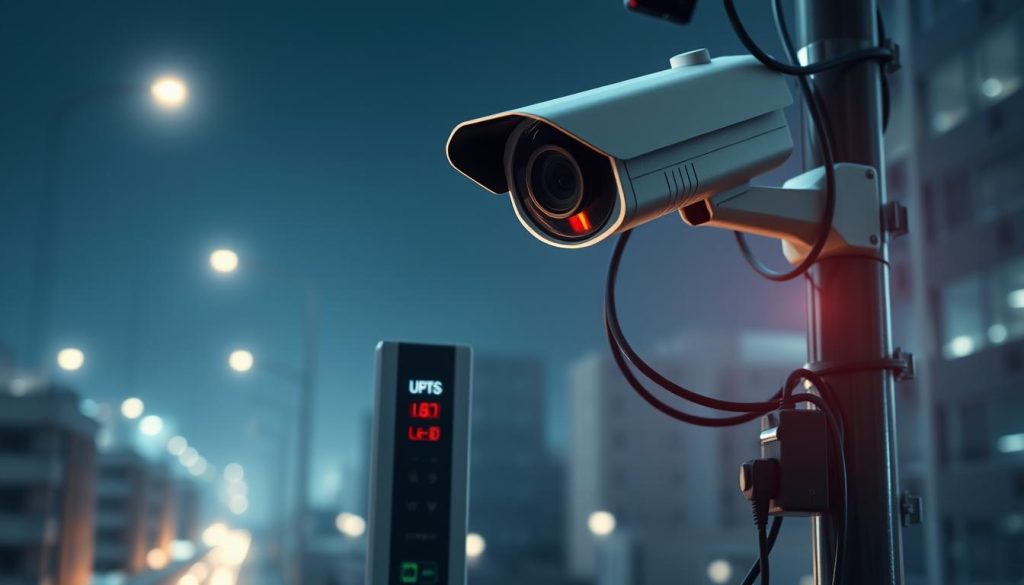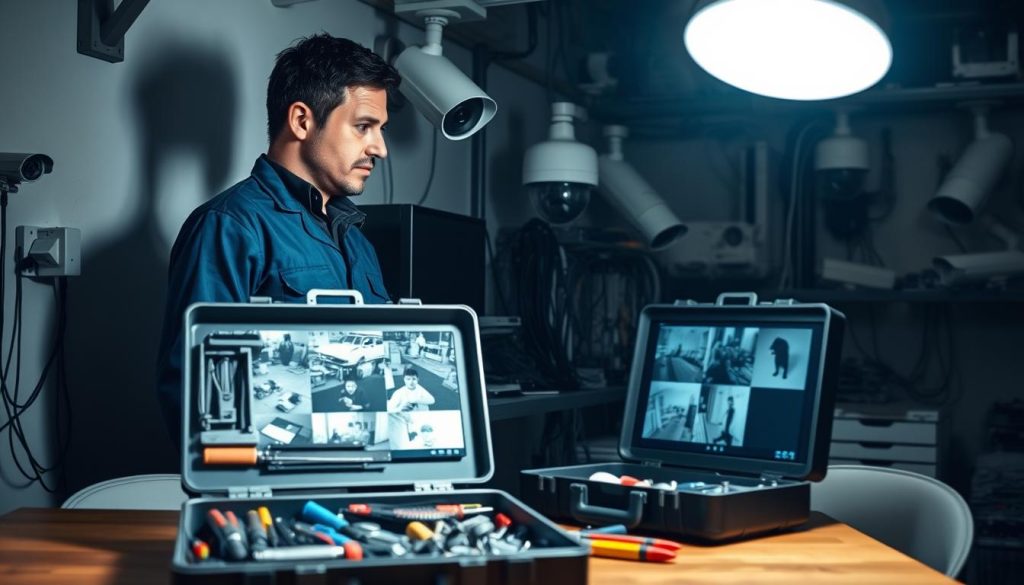
Troubleshooting: Why CCTV camera suddenly stopped working?
Your surveillance system is a critical line of defense for your home or business in Singapore. When it fails without warning, your security is compromised. This moment creates immediate stress and vulnerability. Security equipment going offline halts video capture and recording. You lose access to important footage. This guide addresses these urgent problems head-on. We provide a clear, systematic approach to diagnose and fix your security system. From quick checks to deeper technical issues, this guide offers practical steps. You’ll learn how to restore protection quickly and effectively. Key Takeaways Immediate power checks are the most common first step for restoration. Network and signal connection loss frequently causes surveillance blackouts. Physical inspection can reveal weather damage or hardware failures. Configuration errors and outdated firmware create preventable issues. Knowing when to seek professional technical support saves time and equipment. Regular maintenance prevents most unexpected surveillance failures. Documenting your system setup speeds up the troubleshooting process. Understanding Common CCTV Camera Failures Various technical glitches can disrupt the operation of visual security equipment, each presenting distinct clues for diagnosis. Recognizing these patterns helps you identify what’s wrong with your monitoring setup. Identifying Frequent Symptoms and Issues A complete black screen is one of the most alarming signs. Your monitor shows nothing but darkness where a live feed should be. Intermittent flickering or a total loss of recording are equally serious. Poor video quality degrades surveillance effectiveness. Blurry, pixelated, or distorted footage makes identification difficult. Singapore’s frequent rain and changing light conditions often worsen these visual problems. Connectivity failures make devices disappear from your network. You cannot access the feed remotely through your NVR or mobile app. This cuts off your ability to monitor the property in real time. Night vision malfunctions create critical blind spots after sunset. The infrared LEDs might not activate, leaving the area in complete darkness. This is a major vulnerability during nighttime hours. Other common troubles include interference from electronics and misaligned units. Loose connections or damaged cables frequently cause signal loss. Internal hardware or outdated firmware can also be the culprit. The Impact on Home and Business Security in Singapore For homeowners, a non-functional security camera breaches personal safety. High-density housing estates become more vulnerable without proper monitoring. The risk of trespassing or vandalism increases significantly during downtime. Businesses face even greater consequences from equipment failure. Retail stores may experience inventory loss without recorded evidence. Offices could compromise employee safety and security protocols. Investigating incidents becomes impossible without crucial footage. This affects insurance claims and legal standing. A gap in your surveillance record can have serious financial implications. Regular maintenance prevents most of these unexpected failures. Simple checks of connections and settings go a long way. Knowing the common symptoms helps you restore protection quickly. First Response: Initial Checks and Immediate Actions Before assuming the worst, several straightforward steps can identify and fix basic operational failures. This initial phase focuses on quick wins that restore visual monitoring without technical expertise. Always start with the simplest solutions first. Many apparent failures stem from minor glitches. A methodical approach saves time and frustration. Quick Visual Inspection of Camera Status Lights Most modern security equipment features status LEDs. These small lights provide immediate diagnostic information. Learning to read them is your first troubleshooting tool. A solid green light typically indicates normal operation. The unit has power and network connectivity. Everything should be functioning correctly. Blinking patterns convey different messages. Slow blinking often means the device is booting up. Rapid flashing may signal data transmission or network activity. No light at all suggests a power supply problem. The unit isn’t receiving electricity. This directs your investigation toward check power sources and connections. Amber or red lights usually indicate warnings. These colors can mean network loss, failed login attempts, or hardware issues. Consult your device manual for specific codes. The Universal Fix: Rebooting Your CCTV System Restarting equipment clears temporary software errors. It’s the most effective first response for frozen images or missed recordings. This process refreshes all components. Follow this proper sequence for complete systems: Power down your modem and router first Turn off the NVR or DVR recording unit Disconnect individual surveillance units from their power sources Wait 30-60 seconds for complete discharge Restart devices in reverse order The waiting period is crucial. It allows capacitors to fully discharge. This clears cached data that might cause malfunctions. For a single security camera, simply unplug its camera power adapter. Wait half a minute before reconnecting. Check if the feed returns in your monitoring application. Make sure you observe the proper sequence with multiple devices. Starting with network equipment ensures clean reconnections. This prevents IP address conflicts during reboot. While highly effective, rebooting addresses symptoms, not root causes. Persistent problems require deeper investigation. Document any changes after the restart. Regular maintenance includes occasional planned reboots. This keeps performance optimal and prevents unexpected downtime. Schedule these during low-activity periods. Investigating Power Supply Issues When visual monitoring equipment goes dark, the power supply should be your primary suspect. Insufficient or unstable electricity ranks among the top causes for unexpected surveillance failures. A methodical investigation here can often restore operation quickly. Begin with a thorough physical examination of your setup. Look for obvious signs of trouble before testing components. This systematic approach saves time and identifies the root cause. Checking Power Cords and Connections Start by inspecting every cable in your security setup. Physical damage often interrupts the flow of electricity to your devices. Frayed wires, cuts, or crushed sections need immediate replacement. Make sure all plugs fit snugly into their sockets. Loose connections create intermittent problems that are hard to diagnose. Gently tug on each connector to test its security. For PoE (Power over Ethernet) systems, verify both ends of the network cable. The Ethernet plug should click firmly into the switch and the camera. Check the PoE injector or switch for proper indicator lights. Use high-quality, outdoor-rated cables for exterior installations. These resist moisture and temperature changes better. Proper cable management prevents long-term
Troubleshooting: Why CCTV camera suddenly stopped working? Read More »